Less reading.
More understanding.
Turn more content into less reading. Summarise videos, articles and documents, then ask follow-up questions or start a private AI chat. All AI processing runs on your Android phone.
Android · Initial AI model download required. Free summary trial; in-app purchases available.
Explore the Ray Dalio example → See a private-reading example →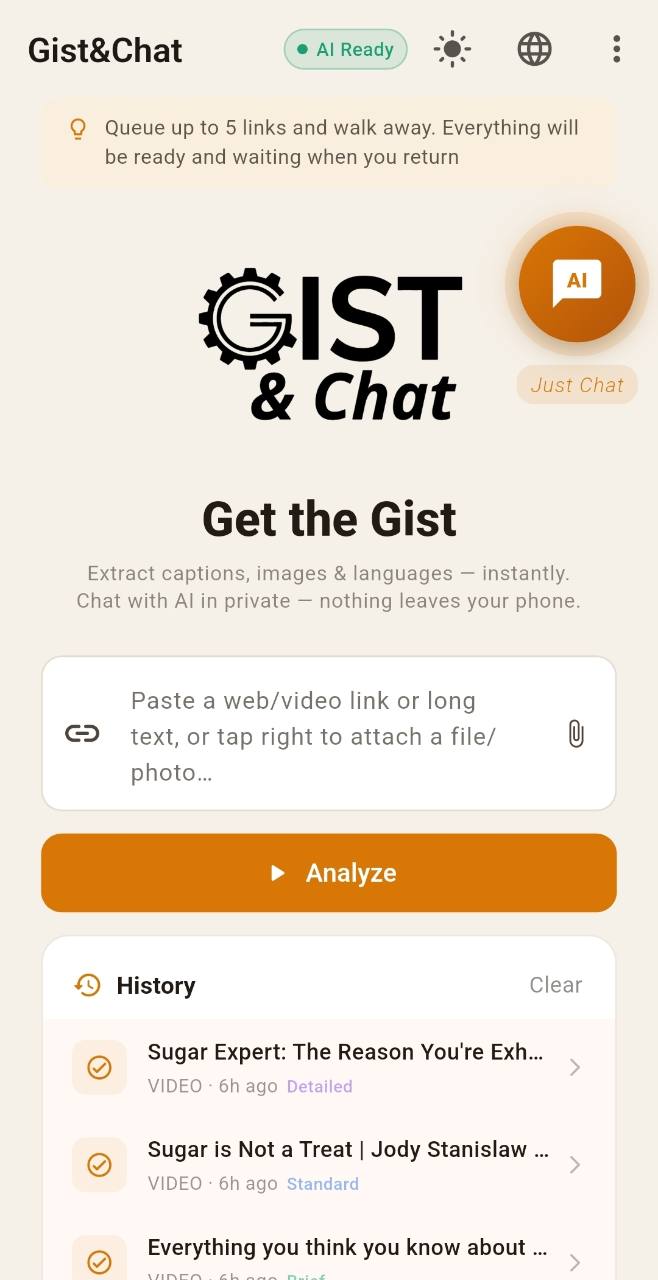
See less. Understand more.
AI that runs on your phone
Summary and chat AI runs locally. No Gist & Chat account is required.
Choose your summary length
Get a brief overview, a standard summary or a detailed breakdown. Keep the level of detail that works for you.
Listen Along
Hands-free TTS with word-by-word karaoke highlight. Your summary, read aloud, keeping your place.
Read the World in Your Language
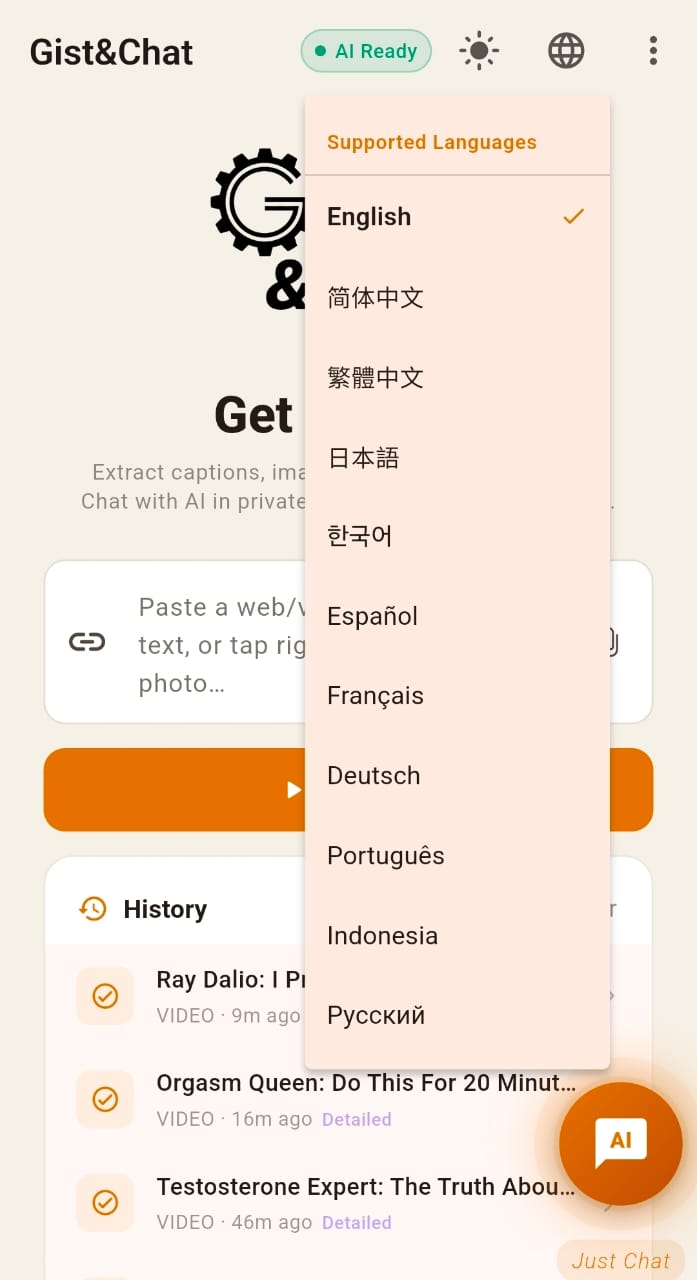
Choose from 11 interface languages. Translate summaries on your device after downloading the relevant language packs.
A chat of your own
Chat with the on-device AI and keep conversations and memory on your phone. Voice input uses your device’s speech service.
Ask Your Summary
After any summary, tap Ask to dig deeper with follow-up questions. Same AI, same phone, works offline.
Prepare now. Read or listen later.
Queue your summaries and let generation continue in the background while you do something else. Come back to saved summaries when you have time—even on a flight without internet.
Fetch online content and finish saving your summaries before going offline. Offline listening requires an installed offline voice. Background work depends on your phone’s battery and memory management.
Start with the ideas that matter.
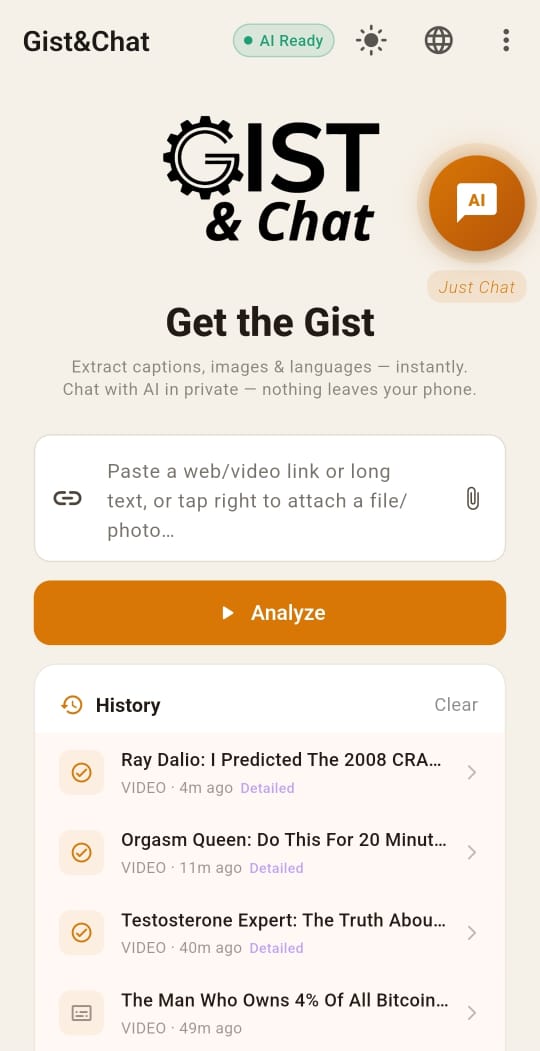
A Ray Dalio interview in Gist & Chat. Read the summary, then ask questions about the material to explore a long conversation.

Ray Dalio interview · Source
Source shown in the supplied screenshot: The Diary Of A CEO. These are original app screenshots from one example session, in English. The programme is not presented as endorsing Gist & Chat. AI can make mistakes; check the original material. Tap an app screenshot to view it at full size.
Bring the content in
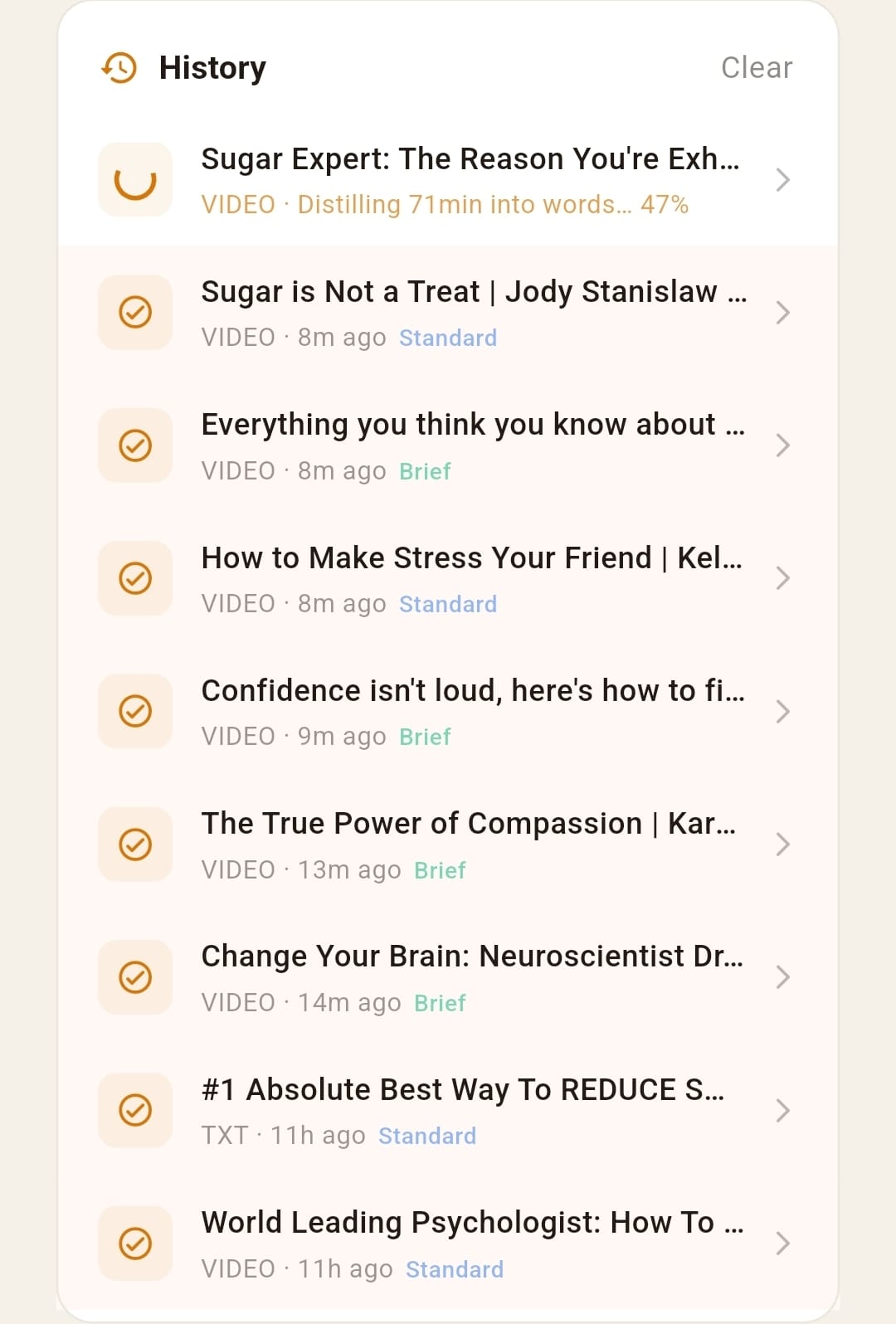
Paste a video link or attach a document. Your history keeps earlier summaries within reach.
Read the summary
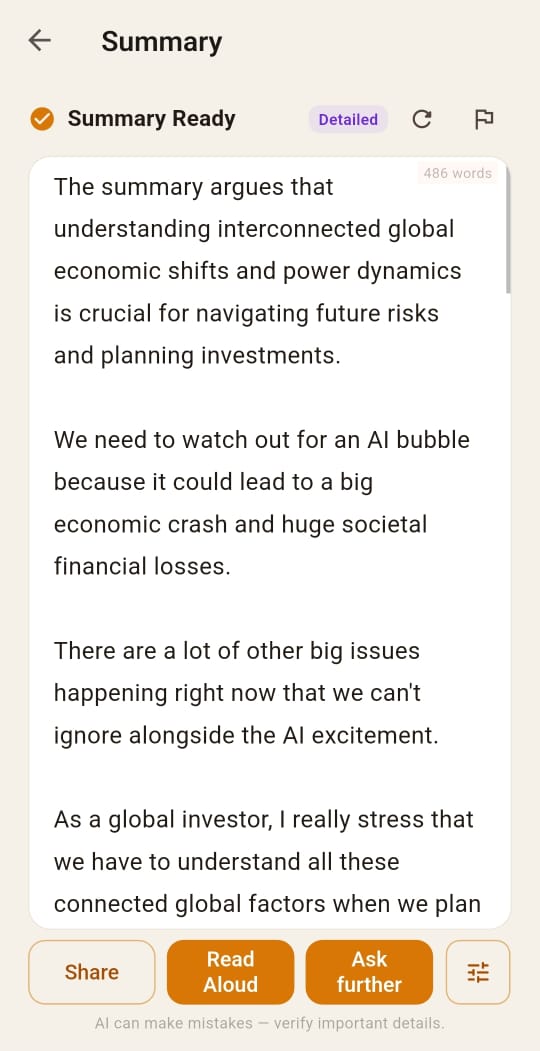
Read the extracted ideas at your own pace, with Share, Read Aloud and Ask further available.
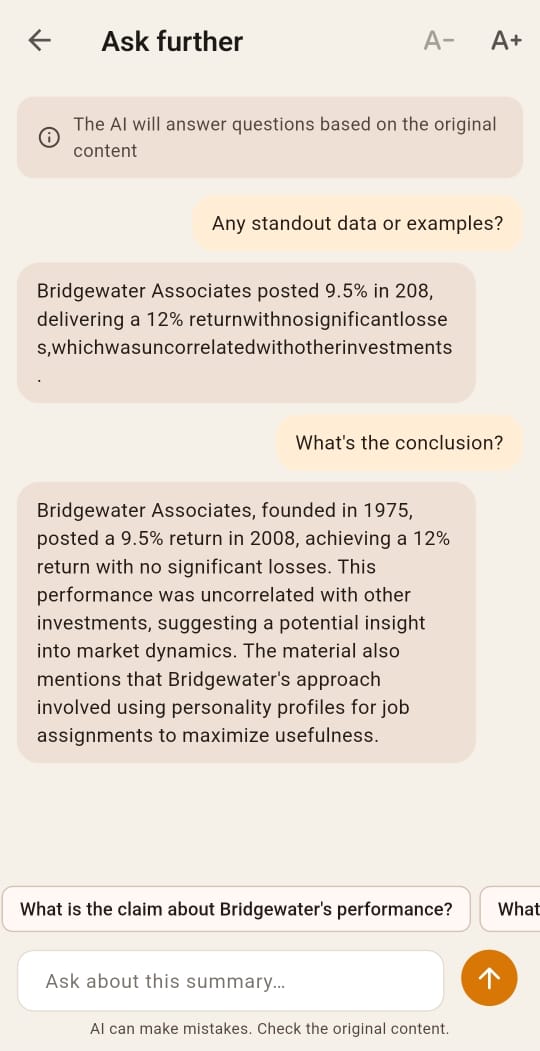
Ask about the material
Ask for the conclusion or explore a point from the source. Follow-up questions stay focused on the summary.
Some questions are easier to ask in private.
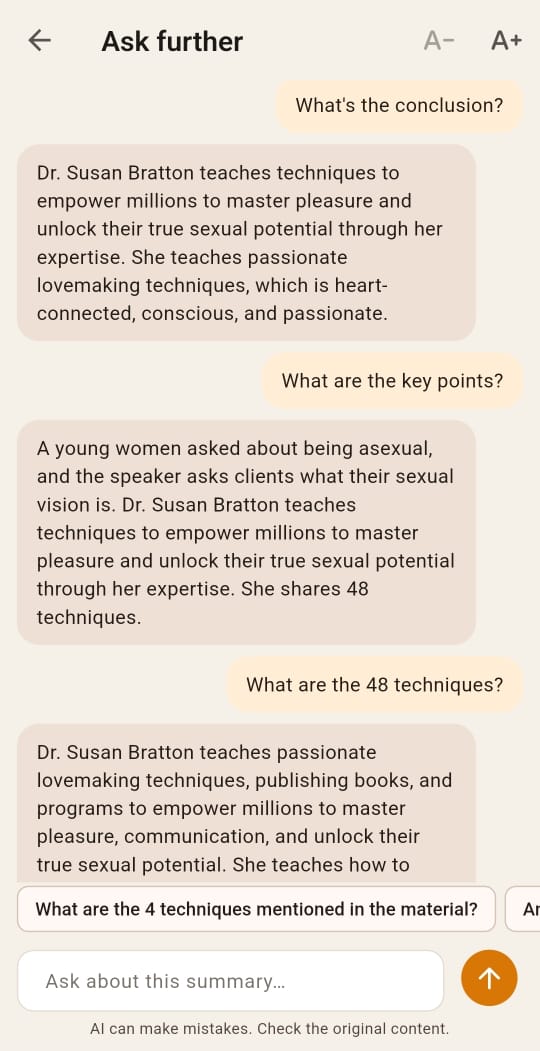
An interview about intimacy. A topic you would rather read than play out loud. Bring the video into Gist & Chat, read its summary, and ask questions about what was said.
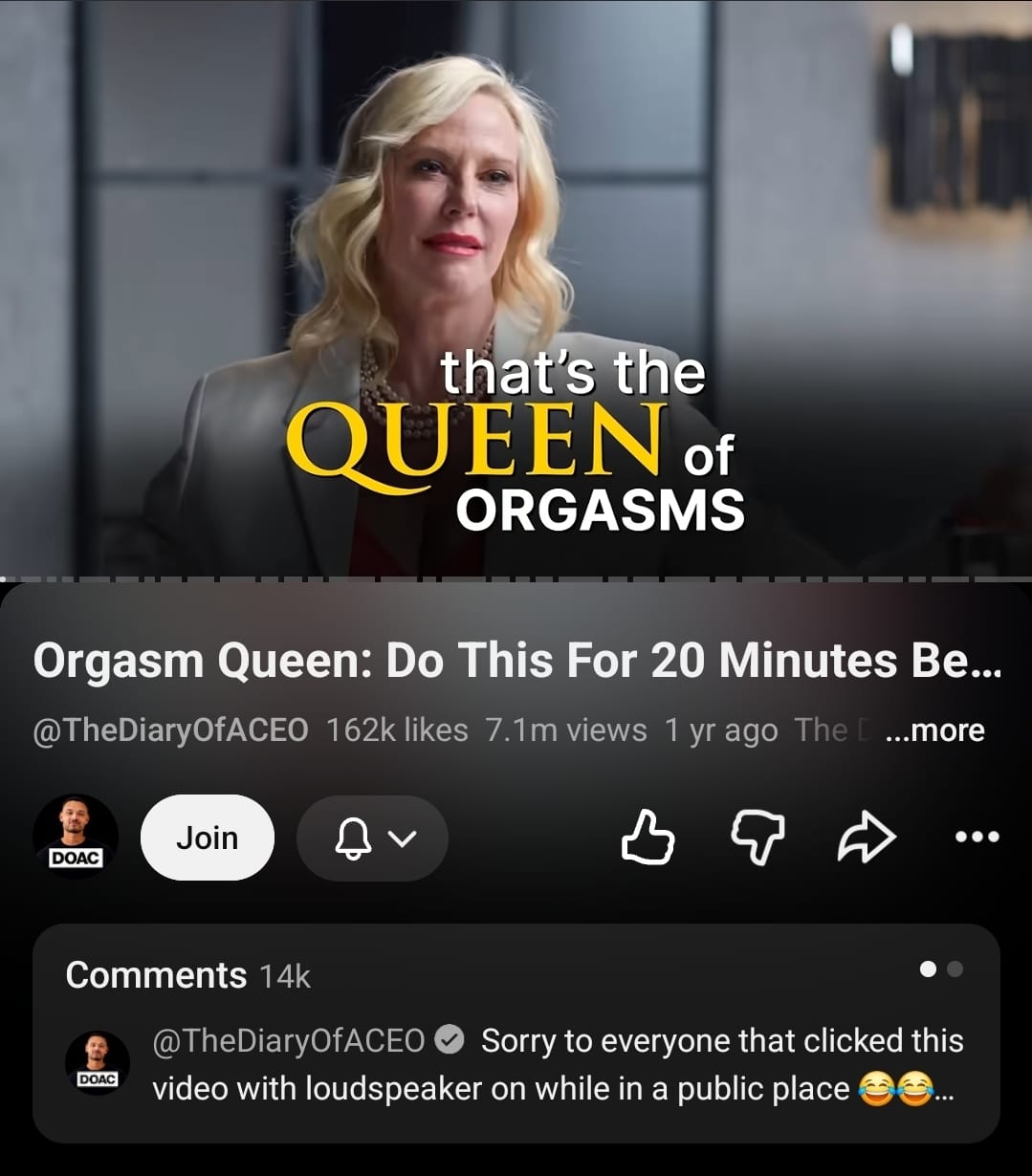
Source context · Sexual-wellness interview
Source shown in the supplied screenshot: The Diary Of A CEO. These are original app screenshots from one example session, in English. The programme is not presented as endorsing Gist & Chat. AI can make mistakes; check the original material. Tap an app screenshot to view it at full size.
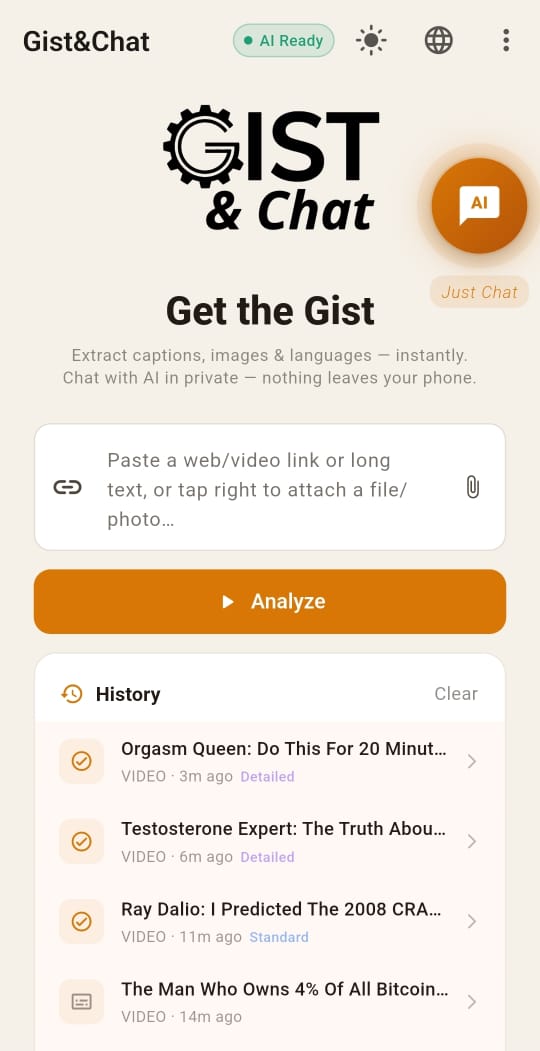
Bring the content in
Paste a video link or attach a document. Your history keeps earlier summaries within reach.
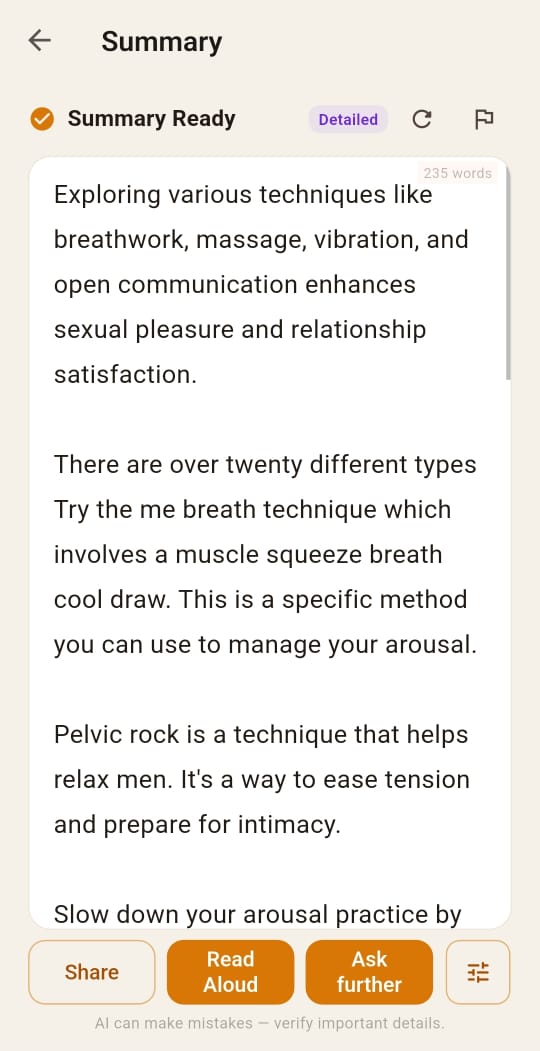
Read the summary
Read the extracted ideas at your own pace, with Share, Read Aloud and Ask further available.
Ask about the material
Ask for the conclusion or explore a point from the source. Follow-up questions stay focused on the summary.
Have a question of your own?
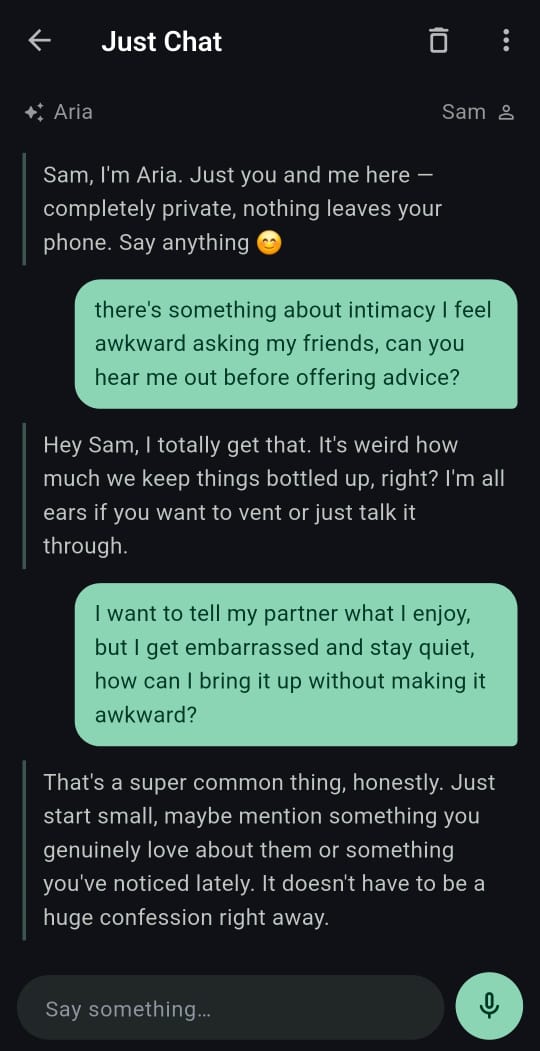
Open Private Chat for a separate conversation about relationships, boundaries or something you find hard to say. Text-chat AI runs on your phone; chats and memory are stored locally. The screens above show summary follow-ups, not Private Chat.
Initial model download required. Online sources, purchases and optional reports can use the internet. Voice input depends on your device’s speech service.
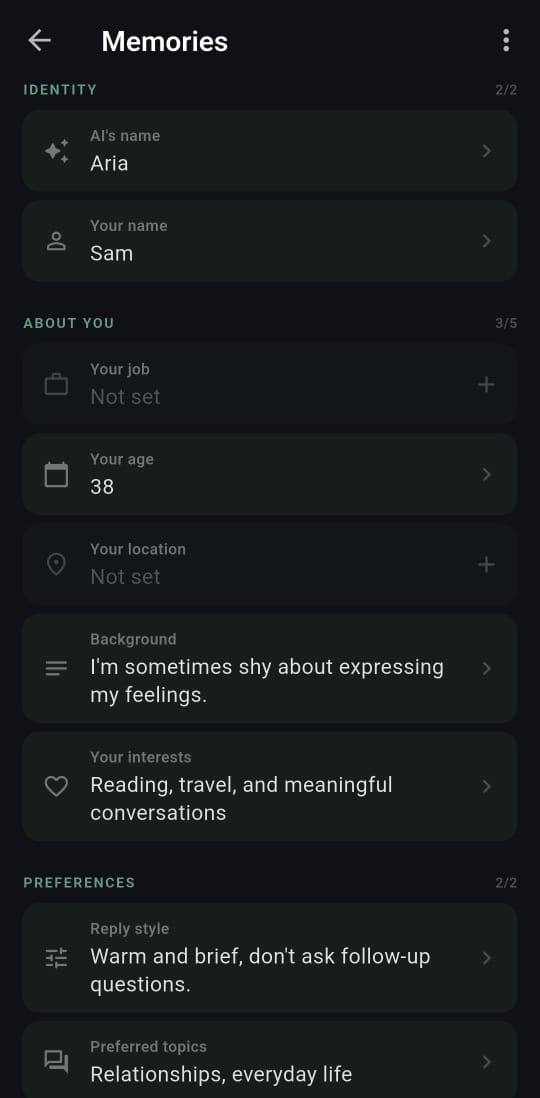
Example profile and a real Private Chat conversation. Choose what to share and describe your preferred reply style. Original English screenshots; select either image to view it in full.
Let the AI get to know you
Talk in a way that feels comfortable
Three steps to any summary
Paste a link or drop in a file
Transcripts and text fetch themselves, no AI needed. Paste a video or article link, or share a PDF or image directly from your device.
AI distils the essentials — on your phone
Download the AI model first. Once your source text is available, generate its summary on your phone. Speed depends on your device and the content length.
Read it, hear it, ask about it
Get a brief overview, a standard summary or a detailed breakdown. Keep the level of detail that works for you. Hands-free TTS with word-by-word karaoke highlight. Your summary, read aloud, keeping your place.
11 languages. One app.
Your AI runs here. On your phone.
AI summaries and chat run locally. Downloads, online content, purchases and reports you choose to send can use the internet. Voice input depends on your device’s speech service.
Read Privacy Policy